Screen height, distance and glare: getting the display right
· 6 min read
The short answer
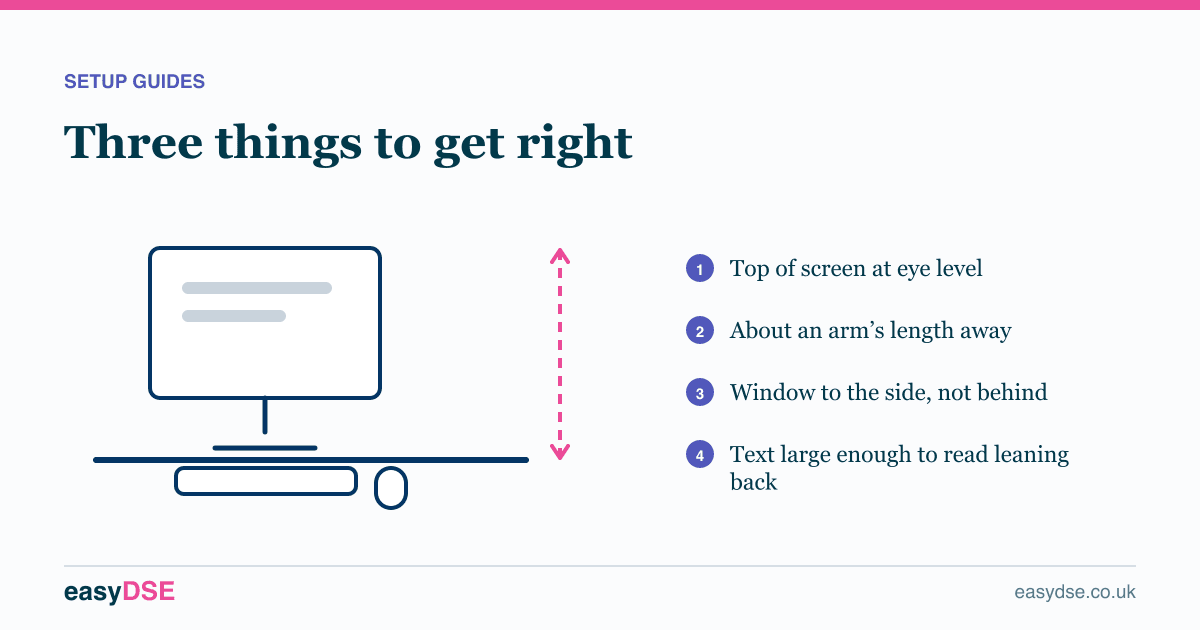
Put the top of the screen roughly level with your eyes, about an arm’s length away, and positioned so no bright light source sits behind or in front of it. Those three things resolve most neck and eye complaints in screen workers.
Screen position is where the cheapest wins are. None of the three fixes below requires equipment in most cases, and between them they account for a large share of the neck pain and eye strain reported in DSE assessments.
Height
The top of the screen should sit roughly level with your eyes when you are sitting upright, so your gaze falls slightly downward onto the middle of the display. Looking down at a fixed low screen holds the neck in sustained flexion. Looking up is worse still, because it also dries the eyes.
If your monitor stand does not go high enough, a ream of paper or a couple of books under it costs nothing. A proper riser or arm is tidier and frees the desk space underneath.
Distance
About an arm’s length is the usual starting point for a typical monitor, though a larger screen wants to be further back. If you find yourself leaning in, the answer is almost never to move the screen closer. It is to make the text bigger.
Glare and reflections
Glare makes you squint and lean, and it is one of the most common causes of screen-related headaches. Two rules cover most cases:
- Never put a bright window directly behind your screen. Your eyes are then adapting constantly between a bright background and a darker display.
- Never put a bright window directly behind you either, because it reflects off the glass.
The answer is usually to turn the desk ninety degrees so the window is to one side. Where that is impossible, blinds you can actually close during the brightest part of the day will do it.
Brightness and contrast
Screen brightness should roughly match the brightness of the room. A screen set far brighter than its surroundings is tiring; one set much darker makes you lean in. Schedule 1 specifically requires brightness and contrast to be adjustable, so if yours are locked down, that is a finding.
Two screens
If you use one screen most of the time, put that one directly in front of you and the second off to the side. If you genuinely use both equally, centre yourself on the join between them. What you must avoid is sitting square to a desk with both screens off to one side, which means a permanently twisted neck.
Varifocals and bifocals
Varifocals put the reading correction low in the lens, so wearers tip their head back to find it. If someone in varifocals reports neck pain, lower the screen slightly below the usual guidance and raise the question of dedicated occupational lenses at their next eye test.
Resting your eyes
The 20-20-20 rule is easy to remember and works: every twenty minutes, look at something about twenty feet away for twenty seconds. It relaxes the focusing muscles, which is what actually causes the tired, gritty feeling at the end of a screen day.
Frequently asked questions
How high should a computer monitor be?
The top of the screen should be roughly level with your eyes when sitting upright, so you look slightly downward at the centre of the display.
How far away should a monitor be?
About an arm’s length for a typical monitor, further for a large one. If text is hard to read, increase the text size rather than moving the screen closer.
How do I stop glare on my screen?
Turn the desk so windows are to the side rather than behind or in front of the screen, use blinds at the brightest times of day, and match screen brightness to the room.
Assess your own workstation, free
Eight minutes online, with a report you can act on.
Read next
This article is general information about UK health and safety law, not legal advice. Check the current position on the HSE website and take advice where the stakes justify it.