The DSE workstation checklist, explained question by question
· 9 min read
The short answer
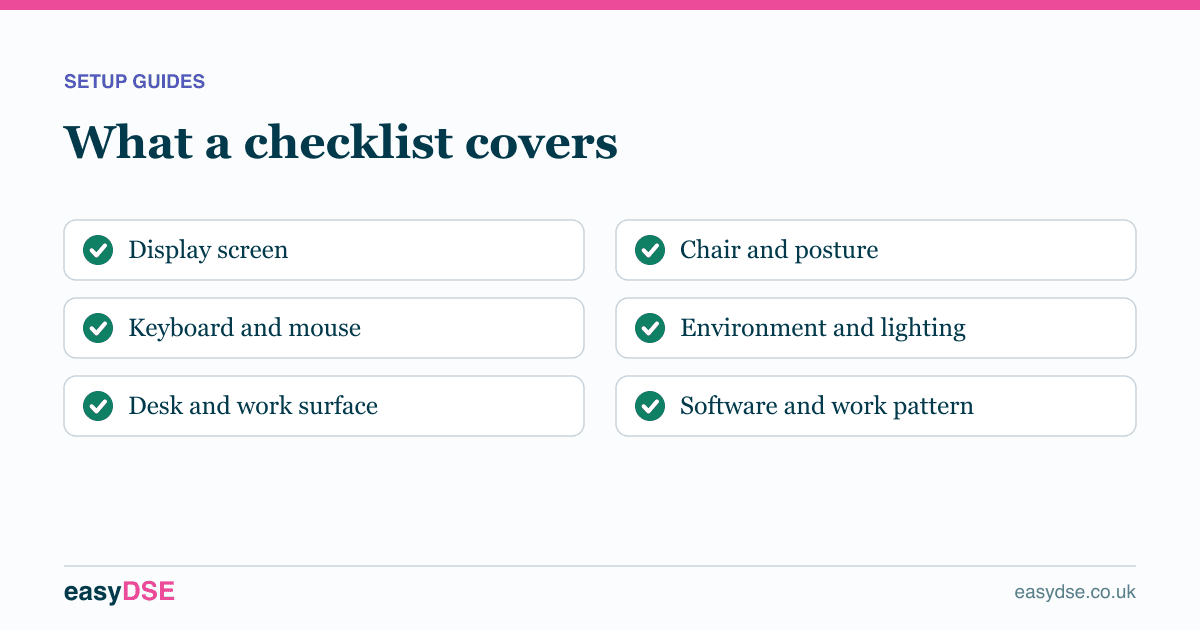
A DSE checklist covers the screen, keyboard, mouse, desk, chair, environment, software and work organisation. Each question maps to a specific requirement in Schedule 1 of the regulations, and most problems it finds are fixed by adjustment rather than purchase.
A DSE checklist can feel like a formality. It is not: each section maps onto a specific minimum requirement in Schedule 1 of the regulations, and the answers are what your employer is legally required to act on. Here is what each part is really asking.
The display screen
Questions about screen height, distance, clarity and glare. The two that matter most are height and position.
The top of the screen should sit roughly level with your eyes so you look slightly down at the centre. Too low and your head tips forward, which loads the neck all day. The screen should also be directly in front of you: working with it off to one side means holding a twisted neck for hours.
The keyboard
Schedule 1 requires a keyboard separate from the screen and tiltable, with space in front to rest the hands and legible symbols. The checklist asks about wrist position for a reason: bent or contact-loaded wrists concentrate pressure on the carpal tunnel for the whole working day.
Flatten the rear feet rather than propping them up, which is counter-intuitive but correct. Feet up tilts the keyboard towards you and extends the wrists.
The mouse
The key question is where it sits. If you reach forward or out to the side for it, your shoulder is held abducted and forward for hours. This is the most common cause of one-sided shoulder and neck pain in screen workers, and it is free to fix.
Bring the mouse in beside the keyboard with your elbow by your side. If a number pad is pushing it out, a compact keyboard solves it for about twenty pounds.
The desk
Enough clear surface, enough legroom, no sharp edge pressing into the forearm, and a document holder where paperwork is used alongside the screen.
Legroom is the one people under-report. Storage boxes, cables and drawer units under a desk stop you getting close to your work and block the small postural changes that keep you comfortable.
The chair
The checklist asks what adjusts, whether you know how to adjust it, and whether your back is supported and your feet are flat. An adjustable chair left on factory settings performs no better than a fixed one.
- Set the seat height so your forearms are level with the desk.
- Set the backrest so the lumbar support meets the curve of your lower back.
- Check your feet are flat. If they dangle, you need a footrest, not a lower chair.
- Drop the armrests until your shoulders relax, or remove them if they stop you reaching the desk.
The environment
Lighting, glare, noise, temperature, space to move and safely routed cables. The window question matters more than people expect: a bright window behind your screen forces your eyes to adapt constantly between a bright background and a darker screen.
Software and work organisation
Often skipped, and in scope. The regulations require software suitable for the task, systems that respond at a speed adapted to the user, and work planned so screen use is broken up. Workload pressure belongs here too, because time pressure raises muscle tension and stops people taking breaks.
Frequently asked questions
What does a DSE checklist cover?
The display screen, keyboard, mouse and input devices, desk, chair, environment, software and how the work is organised, matching the minimum requirements in Schedule 1 of the regulations.
How long does a DSE checklist take?
A well designed online one takes around eight minutes. Paper checklists tend to take longer because they ask every question of every person rather than skipping what does not apply.
Assess your own workstation, free
Eight minutes online, with a report you can act on.
Read next
This article is general information about UK health and safety law, not legal advice. Check the current position on the HSE website and take advice where the stakes justify it.